

Developer ads are priced three ways in 2026: per thousand impressions (CPM) on feeds, search, social and contextual networks; per slot on newsletters and sponsorships; and as scoped campaigns on developer-native platforms, where the price follows the audience, the format and the timeline. The honest answer to "how much do developer ads cost" is that only a vendor's own rate card is current, and this page therefore describes how each channel prices rather than quoting figures that go stale. It covers the pricing models, what each channel publishes, how daily.dev Ads prices its formats as published on its own pages, and how to budget a first campaign.
What changed in 2026
- Prices left the comparison tables. Rate cards move often enough that any number on a third-party page is wrong within months; buyers now compare pricing models and ask each vendor for the current card.
- Native and scoped buying replaced open auctions for developers. Newsletter slots, sponsored content and product-native placements are bought direct, with guaranteed delivery and a human scoping the audience; programmatic display to developers is the shrinking remainder.
- The unit of proof changed. Cost per signup, per first API call and per activation, measured by a pixel with view-through attribution and a holdout, replaced CPM and CPC as the numbers that decide a renewal. See developer paid media benchmarks for 2026.
- A new line item. AI visibility placements (Agent Ads, early access) sit alongside the media plan for categories developers ask assistants about.
The three pricing models
| Model | How it works | Where it applies | What to watch |
|---|---|---|---|
| CPM (per thousand impressions) | You pay for delivery; performance depends on targeting and creative | Developer feeds, contextual networks, Reddit, LinkedIn, Google display | Viewability, ad blockers, who the impressions reach |
| CPC (per click) | You pay for clicks; the platform optimizes for them | Google search, some social | Click quality, bots, high developer keyword prices |
| Per slot or per campaign | A fixed price for a placement, a period or a scoped campaign with delivery commitments | Newsletters, sponsored content, product-native placements, homepage sponsorships | Read floors, make-goods, cancellation terms |
1. daily.dev Ads
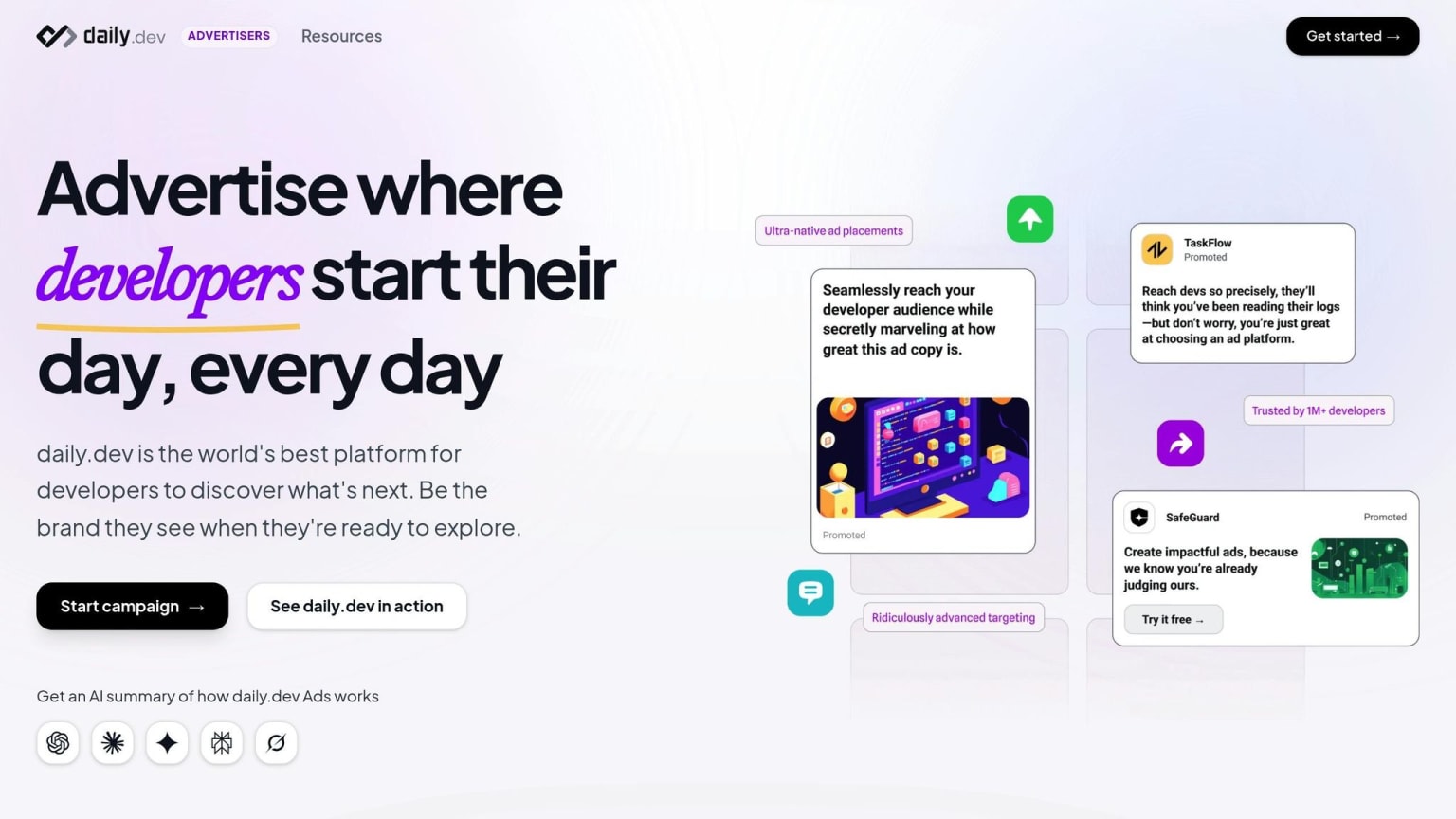
What daily.dev publishes about its own pricing, format by format:
- In-Feed Native Ads run on CPM. Pricing depends on the audience (tech stack, seniority, geography, interests) and the timeline, and a quote is shared during onboarding.
- Sponsored Content is sold with guaranteed distribution and a read-floor commitment, plus canonical republishing of the article.
- Engagement Ads (Branded Tags, Keyword Spotlights, Custom Upvotes, Tag Page Takeovers, Stack Placements) are sold as ongoing category sponsorships, with a minimum of one full month per placement.
- Newsletter Ads in the Digest are sold by topical track for a defined period.
- Homepage Sponsorship is sold on a quarterly or annual commitment, billed quarterly in advance; pricing is not published and the rate card is sent on request.
- Agent Ads are in early access.
Every format can be measured with the conversion pixel, which attributes signups and activations including view-through. Two published results: Postmark drove 12.8x more new account signups from daily.dev than from Reddit, and context.dev peaked at a 1.27% CTR on In-Feed ads, about three times the industry benchmark. The onboarding form is where a campaign is scoped and priced.
2. Stack Overflow Ads
Stack Overflow Ads sells display targeted by tag and topic through a sales team; pricing is scoped per campaign and is not self-serve. It reaches developers in problem-solving mode, which suits infrastructure and tooling awareness more than signups. See Stack Overflow advertising in 2026 and daily.dev vs Stack Overflow Ads.
3. Google Ads
Google Ads is auction-priced per click on search and per thousand on YouTube and display. Developer category keywords are among the more expensive, AI Overviews now sit above the results, and display to developers is blocked and ignored, so search is a demand-capture line, not a discovery one. See daily.dev vs Google Ads.
4. Contextual networks
EthicalAds publishes its per-thousand rates and minimums on its own advertiser page; Carbon Ads and BuySellAds price by site category and property. These are the lowest-friction way to be present in documentation and open source, priced for always-on awareness rather than conversions. See the best ad networks for targeting developers.
5. Newsletters
Newsletter sponsorships are priced per slot per issue, published on each newsletter's sponsor page or through a marketplace, and scale with the list size and the slot position. The price is fixed, the audience is the newsletter's, and the terms (make-goods, cancellation, exclusivity) matter as much as the number. See the best developer newsletters to sponsor and how to negotiate developer media sponsorships.
6. Reddit and LinkedIn
Reddit Ads is self-serve and auction-priced, inexpensive per impression and targeted by subreddit, with results that depend on creative that reads like a useful post. LinkedIn Ads is self-serve with a daily budget and auction pricing, the most expensive per developer and the only option that targets by job title. See daily.dev vs Reddit Ads and daily.dev vs LinkedIn Ads.
Pros and cons by channel
| Channel | Pricing model | Pros | Cons |
|---|---|---|---|
| daily.dev Ads | CPM, scoped campaigns, monthly or quarterly sponsorships | Stack and seniority targeting, native formats, pixel attribution, read floors on sponsored content | Developers only; quote during onboarding |
| Stack Overflow Ads | Scoped, sales-led | Tag targeting, problem-solving context | Narrow context, no self-serve |
| Google Ads | CPC auction | Demand capture on known needs | Expensive keywords, AI Overviews, display blocked |
| Contextual networks | Published CPM | Low minimums, privacy, docs context | No audience signal, one unit |
| Newsletters | Per slot | Predictable reach, long-form creative | No optimization, pay regardless of result |
| Reddit Ads | Auction CPM | Cheap reach, community targeting | Ad aversion, creative-dependent |
| LinkedIn Ads | Auction, daily budget | Job-title targeting | Price per developer, work mode |
How to budget a first developer campaign
- Decide the product action you will pay for (signup, first API call, activation) and install the pixel before spending.
- Pick one discovery placement and one capture channel (for example In-Feed on daily.dev scoped to one stack, plus search on three category terms) for four to six weeks.
- Ask every vendor for the current rate card and the terms: floors, make-goods, cancellation, exclusivity. See the developer advertising platform buyer's checklist.
- Judge on cost per activation with a holdout, not CPM or CTR, and rebalance toward the channel that produces activated users. See how to measure developer ad campaign ROI.
- Use the calculators for a starting allocation: developer marketing budget calculator and ad budget calculator.
Where daily.dev Ads fits
daily.dev Ads is the developer-native line in the budget: CPM-priced In-Feed campaigns scoped to a stack, sponsored content with a read floor, monthly product-native sponsorships and digest slots by track, all measured by one pixel. It is the discovery leg; contextual networks, newsletters and search complete the plan, and the alternatives hub compares each honestly.
FAQs
How much do developer ads cost?
It depends on the pricing model: CPM on feeds and networks, per click on search, per slot on newsletters, and scoped campaigns on developer-native platforms. Only a vendor's own rate card is current; treat any figure on a third-party page as out of date and ask for the card.
How is daily.dev Ads priced?
In-Feed Native Ads run on CPM with a quote shared during onboarding based on audience and timeline; Sponsored Content is sold with guaranteed distribution and a read-floor commitment; Engagement Ads are monthly category sponsorships with a one-month minimum per placement; Homepage Sponsorship is a quarterly or annual commitment billed quarterly in advance, with the rate card sent on request.
What is a good CPM for developer ads?
A CPM is only good relative to the cost per activation it produces. Contextual networks are cheapest per thousand and lowest on intent; developer-native feeds cost more per thousand and win on signups; search is priced per click and is expensive in developer categories. Compare channels on cost per product action.
Should a small budget go to one channel or several?
One discovery placement scoped to a single stack, plus search on a few category terms, for four to six weeks. Spreading a small budget across many channels produces no readable result on any of them.
Do developer ads work with ad blockers?
Native placements inside a platform the developer is logged into are not blocked, contextual units served from the site's own domain are blocked less, and programmatic display is blocked heavily. Pricing should reflect which impressions are actually seen. See ad blockers and developers.