

No - you can’t buy ads in VS Code or in the Visual Studio Marketplace.
If you want to reach VS Code users, the path is simple: build a useful extension, keep your Marketplace profile in order, and promote outside the editor through opt-in channels. VS Code is built for focus, and Microsoft does not treat the editor or Marketplace like ad inventory.
Here’s the short version:
- VS Code has no ad placements
- The Marketplace is for extension discovery, not paid promotion
- Users control recommendations and notifications
- Tool companies can get seen through utility, docs, and VS Code-focused content
- Developer reach still exists, just outside the editor
A few facts stand out:
- VS Code remains one of the most-used code editors, which makes its audience attractive to B2B software companies
- Even so, high audience demand does not equal paid ad space
- Microsoft makes money from products and features, such as GitHub Copilot, instead of selling attention inside the editor
Quick Comparison
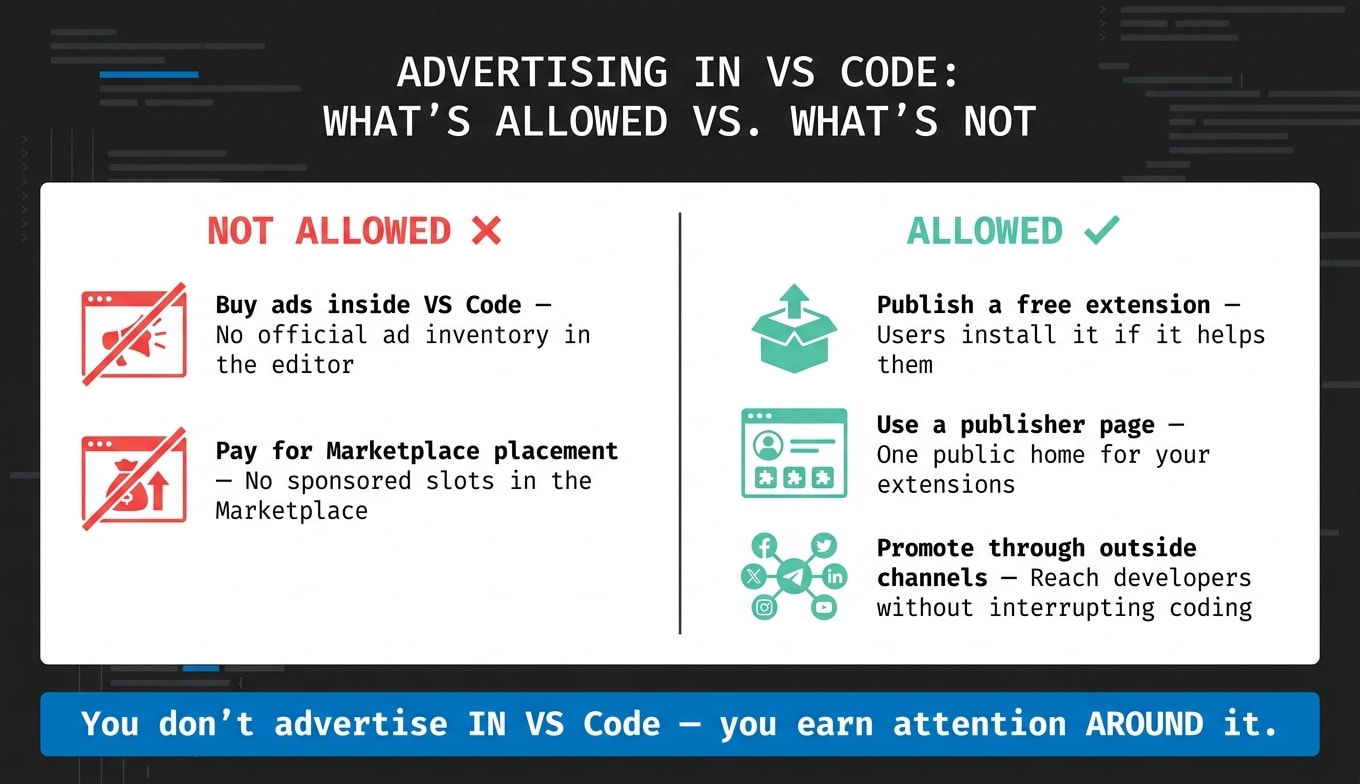
| Option | Allowed in VS Code ecosystem? | What it means |
|---|---|---|
| Buy ads inside VS Code | No | No official ad inventory in the editor |
| Pay for Marketplace placement | No | No sponsored slots in the Marketplace |
| Publish a free extension | Yes | Users can install it if it helps them |
| Use a publisher page | Yes | Gives your extensions one public home |
| Promote through outside channels | Yes | Reach developers without interrupting coding |
If I strip the topic down to one line, it’s this: you do not advertise in VS Code - you earn attention around it.
Why VS Code and the extension marketplace are not ad channels
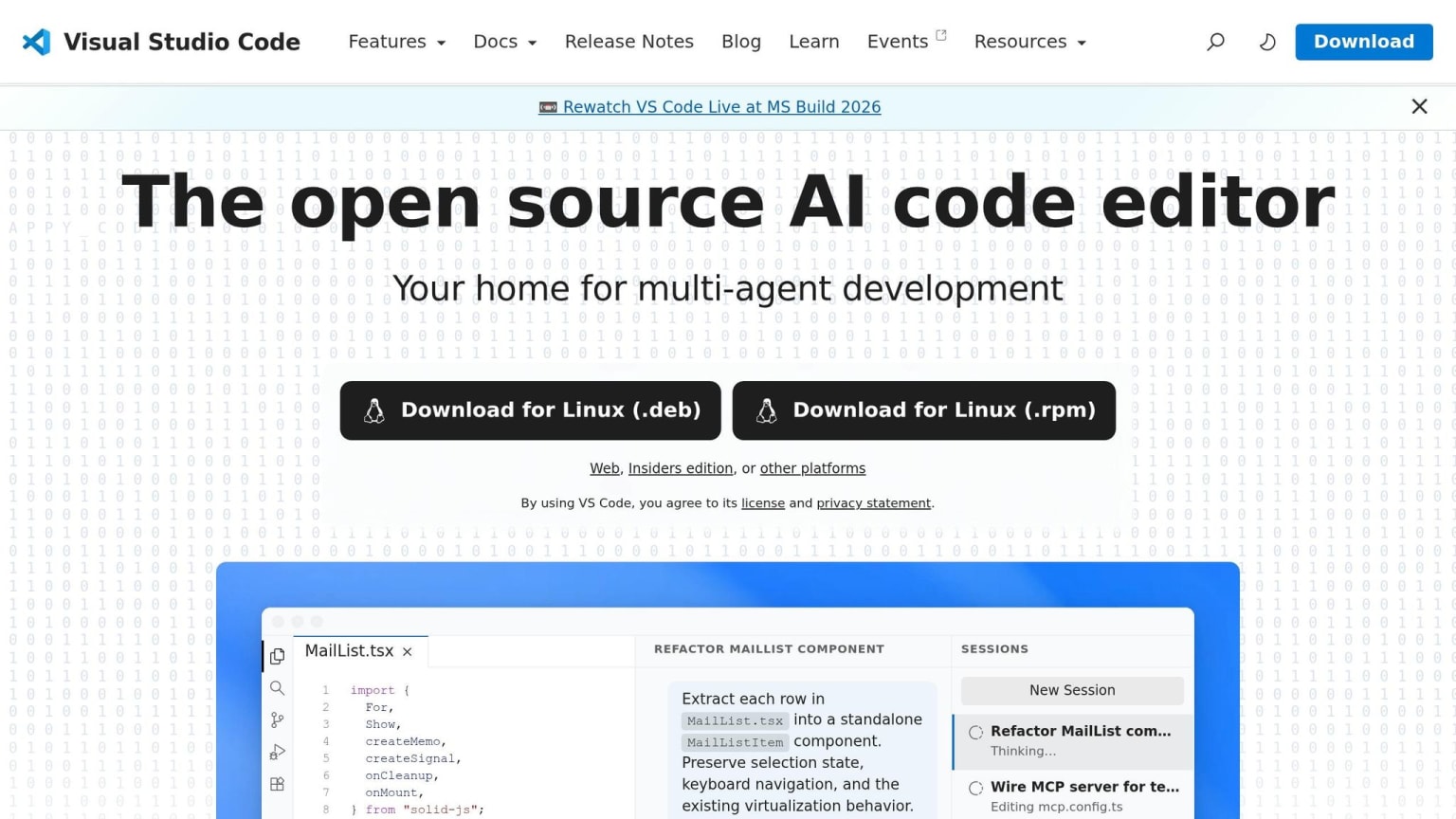
VS Code is built for focus, not ad inventory. You can feel that in how the editor works day to day. The product is meant to help people write code, debug issues, and stay in flow, not sift through promotions. That idea shapes both the editor and the marketplace, which is why neither one works like an ad channel.
Why Microsoft keeps VS Code no ad inventory
Microsoft makes money from paid products, not from selling ad space inside VS Code. So the editor stays centered on coding. That's the whole point: less distraction, more work getting done.
Why the marketplace is for extensions, not paid placement
The same approach carries over to the marketplace. The Visual Studio Marketplace exists to distribute functional extensions, not sponsored placement. In plain English, it's there to help users find tools they can install and use, not to sell spots the way an ad network would.
Promotional notifications, UX rules, and user control
That logic also shows up in recommendations and notifications. Users can disable extension recommendations in settings, which reinforces VS Code's user-control model.
So if you're a tool company trying to reach VS Code users, you need to look outside the editor and marketplace to launch a successful advertisement campaign for developers.
What dev tool companies can legitimately do in the VS Code ecosystem
The legit play here is utility.
If you're a dev tool company, the way into the VS Code ecosystem isn't by buying placement inside the editor. It's by building something developers want to use, claiming your Marketplace presence, and putting out helpful VS Code content. These are distribution paths, not ad placements, and that's exactly why they fit how the VS Code ecosystem works.
Build a free extension that solves a real problem
The strongest in-editor presence a tool company can earn is a free extension that people choose to install.
That usually comes down to solving an actual workflow problem, then backing it up with clear docs, solid reviews, and a UX that doesn't get in the way. If the extension helps, developers keep it. If it feels pushy, they remove it fast.
Bruno, an API development platform, has a VS Code extension that earns attention through utility instead of promotion. That's about as close as you can get to in-editor reach without crossing the line.
Use a marketplace publisher page for product discovery
A publisher profile gives you one place to group your extensions and point developers to docs, support, and product context.
It's less of an ad slot and more of a home base. People who are already checking out your extension can use it to learn who you are and whether they trust what you're shipping.
Publish VS Code-focused content outside the editor
If you need reach before someone installs anything, do it outside the editor.
VS Code-focused educational content can meet developers while they're researching. That might mean tutorials, setup guides, or integration walkthroughs built around VS Code-specific workflows. Good content can keep bringing in discovery through search and sharing over time. The guide on how to advertise to developers covers how this fits into a broader strategy.
What ties these options together is simple: they reach developers without breaking their flow. That's the same permission-based idea that helps keep VS Code ad-free.
Why the most-used editor stays ad-free even though its users are in demand
VS Code users are highly attractive to B2B marketers. They help choose tools, test products, and influence software budgets. That audience has clear market value. But audience value and ad inventory are not the same thing, and VS Code has never acted like they are.
Developer trust matters more than ad inventory
Coding is focused, hands-on work. When that focus gets broken, there's a cost.
VS Code relies on permission-based features that depend on user control, security, and smooth workflows. Ads would cut against that design. The product keeps simplification, security, and user control at the center. If ads showed up inside those flows, they would get in the way of the permission-based experience that makes VS Code useful. They would also chip away at the trust the whole ecosystem relies on.
That trust also helps explain why Microsoft monetizes features instead of editor attention.
A sought-after audience does not mean a platform sells ad space
Microsoft makes money from the ecosystem through GitHub Copilot, which sells capability, not attention. That keeps the editor aligned with the user, not an advertiser.
For marketers, the takeaway is simple: a platform can have a high-value audience and still offer no official ad channel. VS Code is a clear case. Its value to developers depends on staying free of distractions, and Microsoft has chosen to protect that instead of turning the editor into ad space. So the move is not to buy visibility inside VS Code. It's to reach developers somewhere else.
The next step is figuring out where to reach those developers without getting in the way of their work.
How to reach VS Code developers today
VS Code won’t sell ad space. But the people who use it every day are still reachable. The key is simple: stick to opt-in channels.
Use channels developers choose to opt into
Developers are picky about what enters their setup. They choose their extensions and settings. That matters.
daily.dev is a browser extension developers choose to install. So it reaches them through consent, not interruption. That’s a big difference. Showing up in a tool someone already picked is not the same as trying to wedge a message into their coding flow.
Reach VS Code-heavy audiences across trusted developer surfaces
business.daily.dev gives advertisers a way to place native messages next to the content developers are already reading. These placements show up in developer content feeds, not inside VS Code.
Verified partner publishers add more reach through AI chat interfaces and other developer surfaces. Again, this happens through inventory developers already chose to spend time with.
Consent-based channels tend to feel useful because developers opted in. Interruptive placements tend to feel intrusive because they break focus.
For AI coding environments, see Can You Advertise in AI Coding Tools?.
The FAQ below answers the most common questions about VS Code ads and developer reach.
FAQs
does vs code have ads
No, VS Code does not run ads inside the editor as purchasable ad inventory.
Instead, advertiser links show up on daily.dev’s own posts and business pages. Those are consent-based placements that sit outside VS Code itself.
can you advertise in the vs code marketplace
No. The VS Code marketplace is for installing publisher extensions, not for buying ad placements inside VS Code.
A consent-based option is reaching VS Code developers through daily.dev’s extensions and verified partner publishers. That can include developer inventory in AI chats and platforms.
how do dev tool companies reach vs code users
No, Microsoft does not sell ad placements inside VS Code or the Extension Marketplace. There’s also no official way to pay for placement inside the editor.
So if a dev tool company wants to get in front of VS Code users, it has to earn that attention the old-fashioned way. In practice, that usually means building an extension people actually want to install, growing a trusted publisher profile in the Marketplace, and reaching developers through channels they’ve chosen to join.
That can include things like:
- A genuinely useful VS Code extension
- A Marketplace publisher page that looks active and trustworthy
- Permission-based channels such as email, docs, community spaces, or product updates
In short, you can’t buy your way into VS Code itself. You have to show up with something useful and build trust over time.